
Practical security
AI coding plugins and MCP: review the permissions that matter
By Qlinnt · Updated
Review what a plugin or MCP server can execute, read and send, not just what the model promises. Pin trusted packages, reduce available credentials and test permissions in an isolated workspace before using production access.
Understand the problem before changing your site
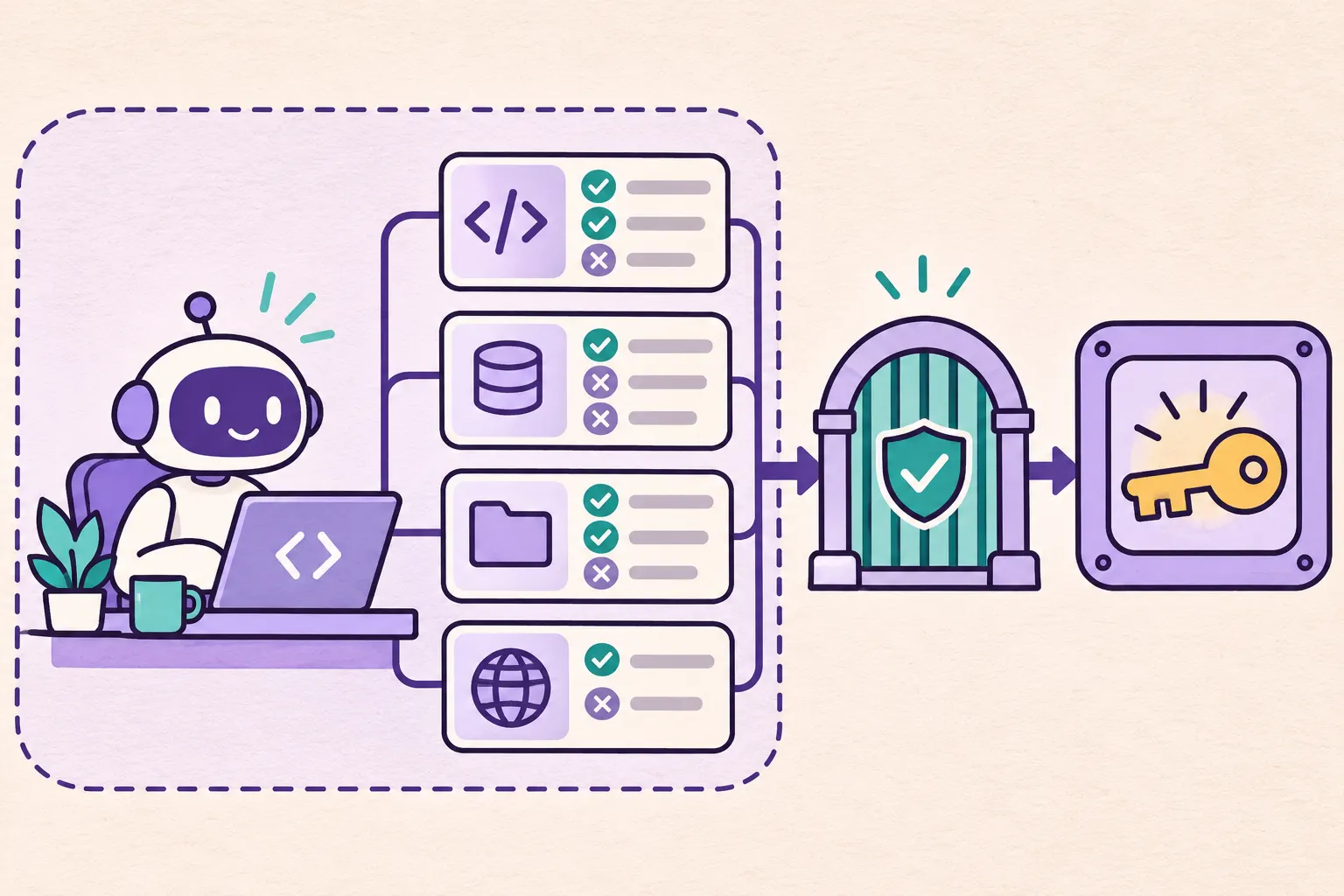
A coding assistant includes more than a model. Its extensions, local processes, configuration and tool adapters run real code. A confirmation dialog around a model tool call does not automatically constrain every action performed by an extension's own process.
This distinction matters when a workspace contains deployment tokens, environment files or cloud credentials. A malicious or modified dependency can act with the permissions of its host process. That is a supply-chain and runtime-permission problem; it cannot be diagnosed by looking at the final website.
What to review and how to reduce risk
- Inventory installed plugins, MCP servers, their publishers, exact versions and how updates are installed.
- Check whether each integration runs locally or remotely and which directories, commands and network destinations it can reach.
- Give development integrations narrow, revocable credentials. Keep production credentials out of routine coding sessions.
- Pin reviewed versions and inspect changes before updating. An official-looking package name is not a review.
- Remove unused integrations and document which tool is needed for each workflow.
How to verify it with safe tests
Create a disposable workspace with synthetic files and no real credentials. Configure one integration and exercise an ordinary task. Verify its filesystem and network behavior using the operating system or container controls, rather than relying only on its chat transcript.
Include a negative test: a file outside the allowed directory should remain inaccessible. Test with harmless marker strings, never a live secret. Record the package version and the actual permission boundary so the exercise can be repeated after an update.
What Qlinnt can check and where its scope stops
A controlled demonstration using modified packages does not establish that original public packages are compromised. Avoid accusing a vendor or plugin without evidence tied to a specific version and distribution.
Qlinnt does not inspect your development machine, installed MCP servers or dependency integrity. Use a public website scan after deployment for the exposed surface; review agent permissions separately before development and deployment.
Does a tool approval prompt sandbox a plugin?
Not necessarily. The plugin process may have its own permissions. Check the runtime boundary and documentation.
Can a website scan find a backdoored local extension?
No. That requires inspecting the extension and the environment where it executes.
Sources and further reading
Review your website's public surface
Scan a website you own or are authorized to assess. Verify your email to read the free diagnosis. The scan does not replace code tests or a specialist assessment.
Scan my website for free