
Practical security
Keep secrets out of Claude Code settings.local.json and Docker
By Qlinnt · Updated
Treat saved agent permissions and commands as potentially sensitive configuration. Keep credentials out of command strings, exclude local settings from Git and Docker build context, and verify the deployed artifact. If a secret was public, revoke or rotate it; deleting the file is not enough.
Understand the problem before changing your site
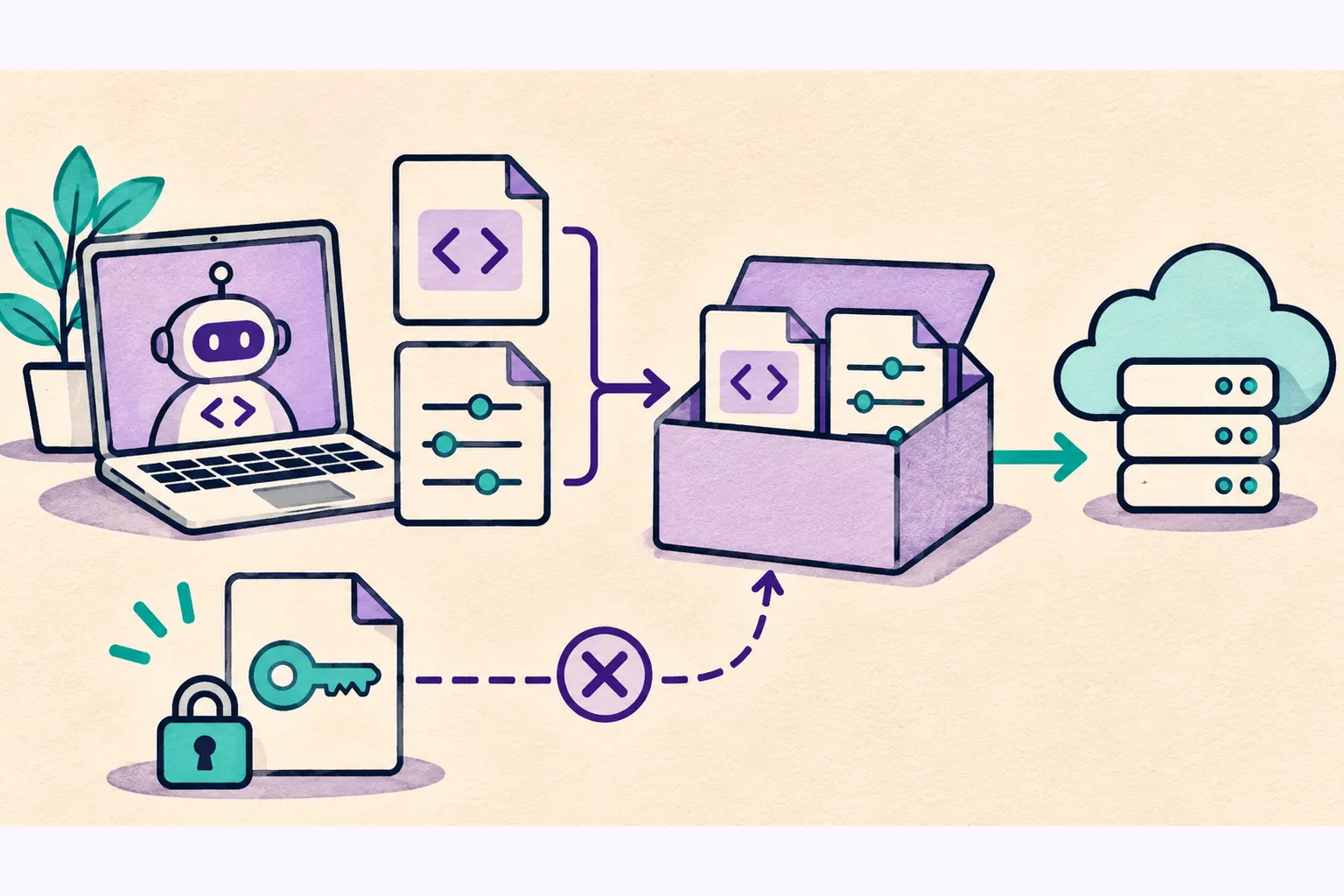
Local configuration can preserve more than preferences. An approved shell command may contain a credential in its arguments. A file intended for one developer can then be copied into a repository, container image or public build directory.
Git and Docker have different exclusion boundaries. A Git ignore rule does not automatically remove a file from a Docker build context. A private repository is also not a reason to embed production credentials in saved commands. Review the actual files that move through each build step.
What to review and how to reduce risk
- Inspect local agent settings and saved permissions for commands containing tokens, passwords or connection strings. Do not paste their values into chat or tickets.
- Use runtime secret injection and narrow credentials instead of literal secrets in saved command arguments.
- Add appropriate Git exclusions and a separate Docker ignore rule for local agent configuration and environment files.
- Use explicit copy paths and minimal build contexts. Check the final image and deployed public directory, not just the source tree.
- If exposure occurred, restrict access, rotate affected secrets and review provider logs. Preserve sanitized incident evidence.
How to verify it with safe tests
Place an obvious fake marker in a local test configuration, build the artifact and verify that the marker and file are absent from the final public output. Test Git tracking and Docker build inclusion separately. Never use a working credential as a canary.
Request the suspected public path on your own staging site. An HTTP 200 serving the site's normal HTML shell is not proof that a settings file exists. Verify the response format and structural configuration keys before treating it as a confirmed file exposure.
What Qlinnt can check and where its scope stops
Qlinnt adds a bounded read-only probe for /.claude/settings.local.json. It requires valid JSON containing configuration structure such as permissions or env, rejects HTML fallbacks and stores file metadata rather than configuration contents.
This confirms an accessible configuration-shaped file, not that any credential works. Qlinnt does not inspect Git history or container registries, and the probe does not validate tokens against their providers. Historical research totals should not be read as the number of currently working secrets.
Does gitignore protect a Docker build?
Not by itself. Review Docker build context, Docker ignore rules and explicit copy instructions separately.
Is deleting an exposed secret sufficient?
No. Revoke or rotate it and review its use. Existing copies may remain outside your control.
Sources and further reading
Review your website's public surface
Scan a website you own or are authorized to assess. Verify your email to read the free diagnosis. The scan does not replace code tests or a specialist assessment.
Scan my website for free