
Practical security
When an AI agent opens a website: a browser isolation checklist
By Qlinnt · Updated
Treat every website an agent visits as untrusted input. Use an isolated browser profile, restrict network access and downloads, and keep web content separate from decisions that can read files, execute commands or use credentials.
Understand the problem before changing your site
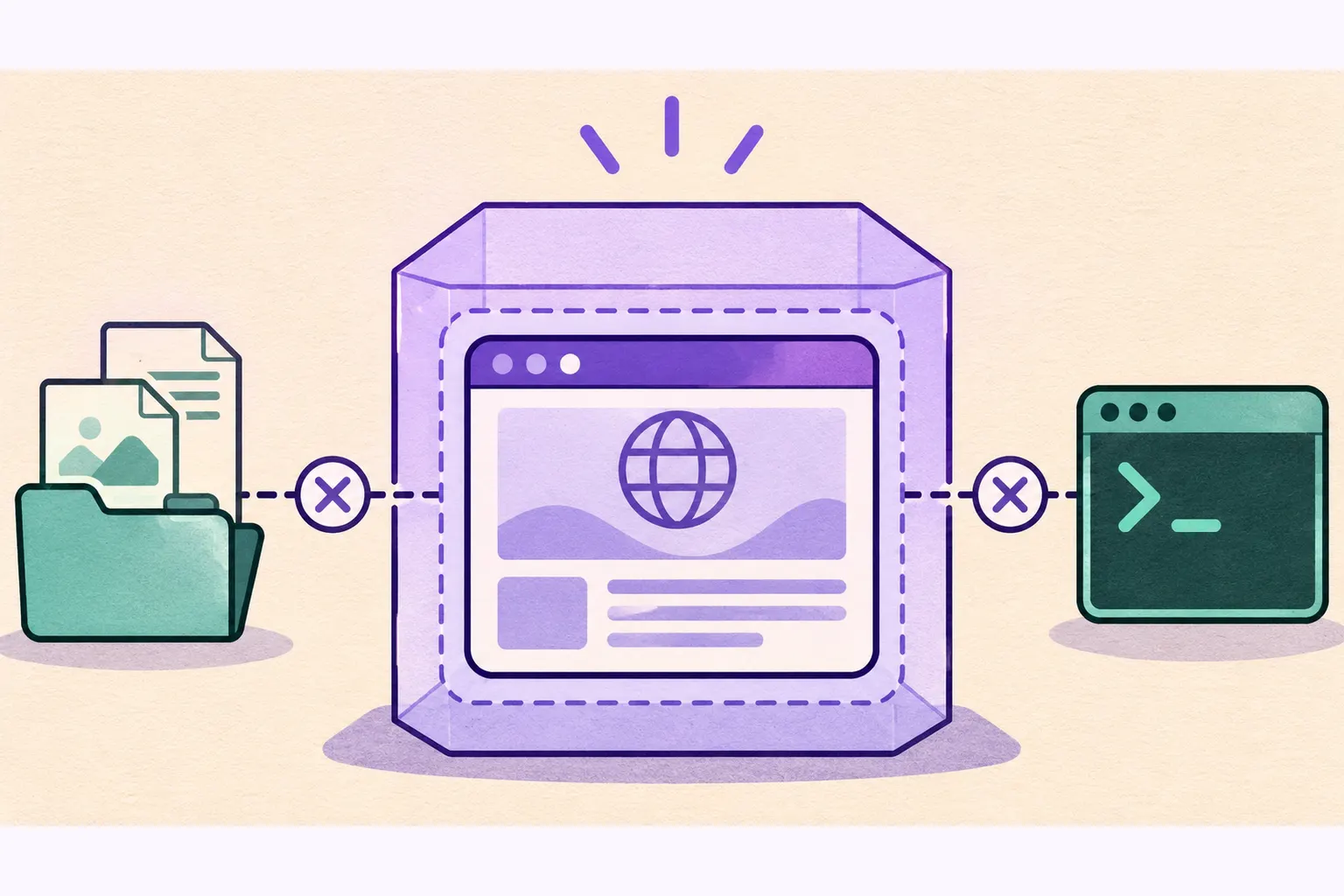
A normal browser displays content; an agent may also interpret that content as instructions. The risk changes when a page is connected to a terminal, local files or authenticated tools. Visual browser chrome and a displayed address are not a substitute for checking the real origin and tool permissions.
An embedded-browser issue depends on the assistant, integration and version. A demonstration involving a local file is different from a remotely reachable page. Do not turn one product-specific finding into a claim that every browser or every AI-built site exposes local files.
What to review and how to reduce risk
- Keep the browsing profile separate from personal logins and deployment sessions.
- Restrict access to private networks and metadata endpoints at the network layer, including redirects and subresources.
- Block unnecessary permissions, downloads and service workers in automated scanning contexts.
- Require explicit authorization for privileged actions. A sentence on a web page must not grant tool permissions.
- Update the browser and agent integration, record versions and destroy disposable contexts after each job.
How to verify it with safe tests
Use a local fixture containing an instruction-like sentence and a harmless link. Confirm that visiting it does not trigger terminal commands, local-file reads or unexpected tool access. Test the boundary directly; an assistant saying it ignored the text is not sufficient evidence.
For a scanner, also verify that requests toward private-network destinations and WebSockets are blocked, that a new job starts with a clean context and that cleanup runs after timeouts. Run these tests without contacting real metadata services.
What Qlinnt can check and where its scope stops
Qlinnt already uses a separate browser context for each scan, network guards, blocked WebSockets and blocked service workers. This release also explicitly disables downloads and grants no browser permissions. These measures reduce specific paths; they do not make a browser an operating-system sandbox.
A public scan cannot certify an assistant's local-file access or prompt-injection resistance. Browser-process confinement, deployment permissions, credentials and host isolation require a separate infrastructure review.
Is an isolated browser context a separate operating system?
No. It separates browser state. Host and process isolation still need their own controls.
Does suspicious page text prove prompt injection succeeded?
No. Success requires evidence that an agent crossed an instruction or permission boundary.
Sources and further reading
Review your website's public surface
Scan a website you own or are authorized to assess. Verify your email to read the free diagnosis. The scan does not replace code tests or a specialist assessment.
Scan my website for free